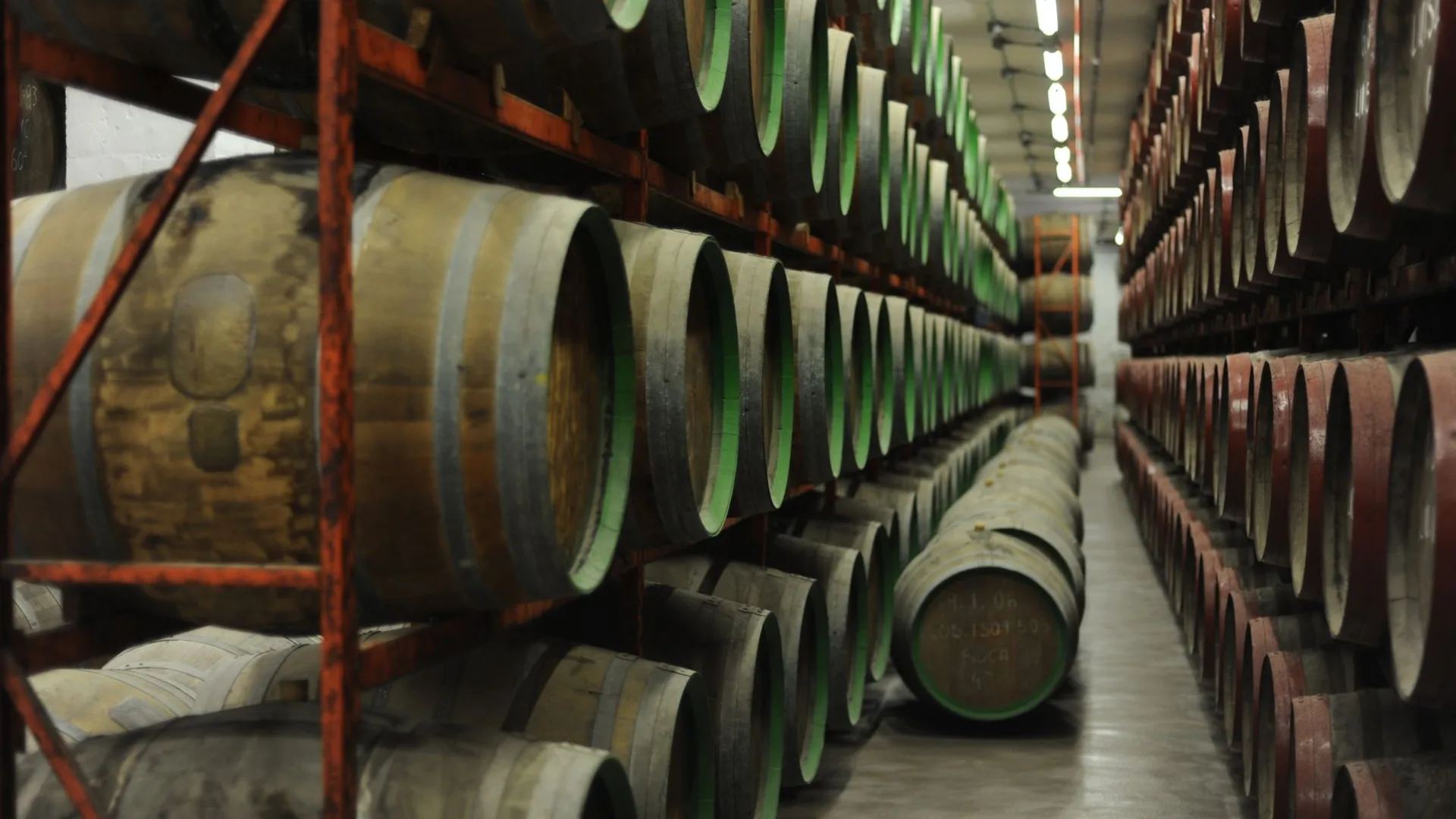
One app for every job in the distillery
The Spirit Sight mobile app detects the device it is on and becomes the tool that job needs: a scan gun in the rickhouse, a logbook at the fermenter, a dashboard in a manager's pocket, a register behind the tasting room bar, and a check-in kiosk at the front door. Every mode is gated by the signed-in user's role. And because most rickhouses have no network at all, the app is built offline-first: the barrel inventory lives on the device and finished work syncs itself the moment you walk back into signal.
In short: Spirit Sight's mobile app is one Android app with seven role-gated modes: gun-first scanning for warehouse crews, an operations shell for phones, a Master Blender workspace, a production-floor mode for distillers, read-only manager dashboards, a tasting room point of sale, and a customer-facing kiosk for guest check-in. It installs on phones, tablets, and rugged Zebra scan guns, and it is built offline-first for unnetworked warehouses: the barrel inventory is cached on the device and completed work queues locally and syncs itself when signal returns. Included with the platform at no per-device fee.
The same install, a different tool for every role
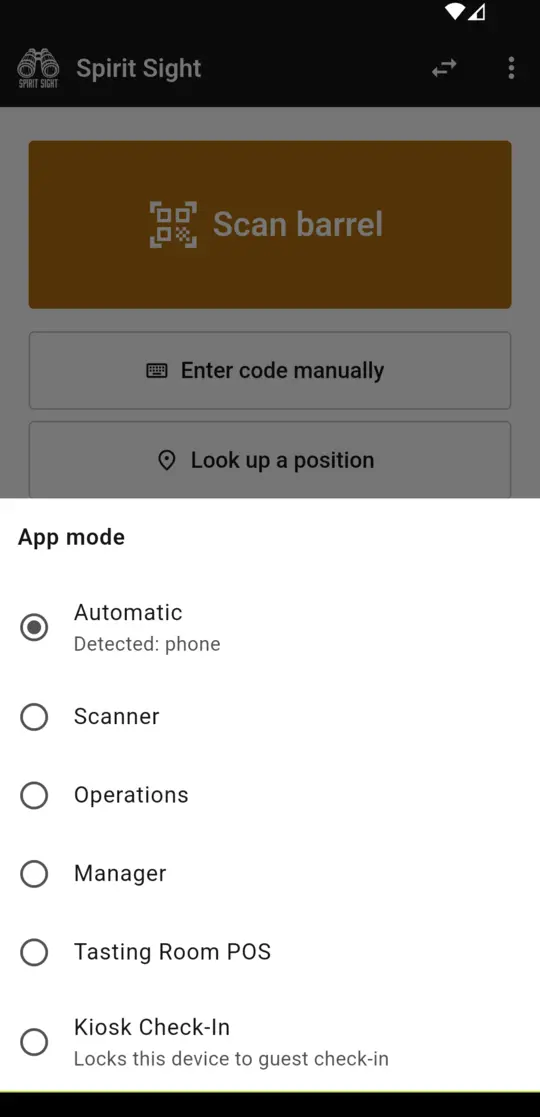
The app detects whether it is on a scan gun, a tablet, or a phone and opens in the right shell. Anyone holding more than one role can switch modes in two taps, and the switcher only ever offers the modes that person's role permits.
Scanner mode
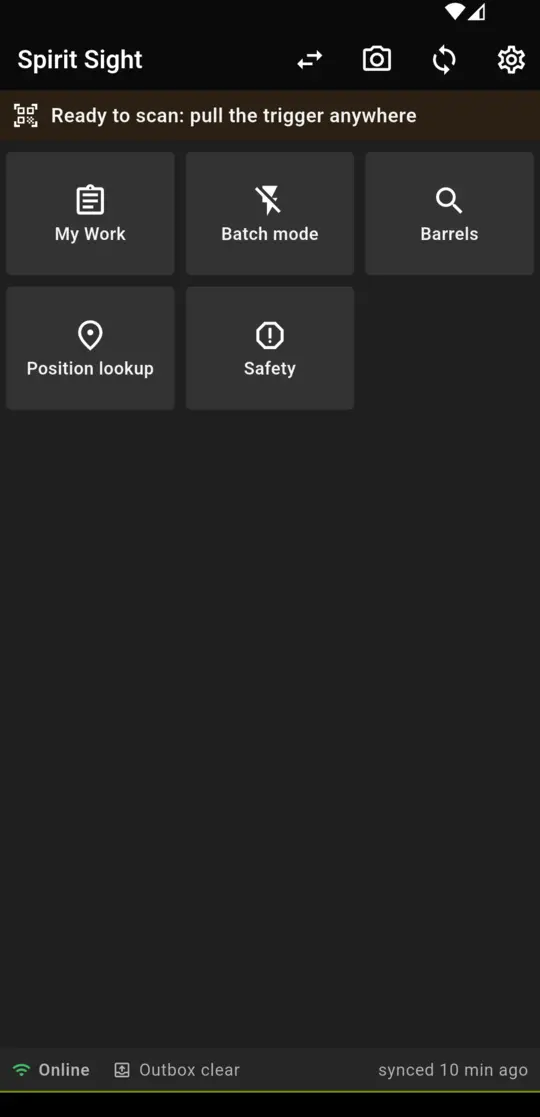
On a Zebra scan gun the app configures the hardware scanner automatically and opens in a dark, big-tile shell built for gloved hands: pull the trigger anywhere to look up a barrel or land on your assigned task, batch-complete dumps and counts scan after scan, run directed putaway, pick lists, count sessions, and transfer-in-bond receiving. Everything queues offline and syncs when the network returns.
Operations mode
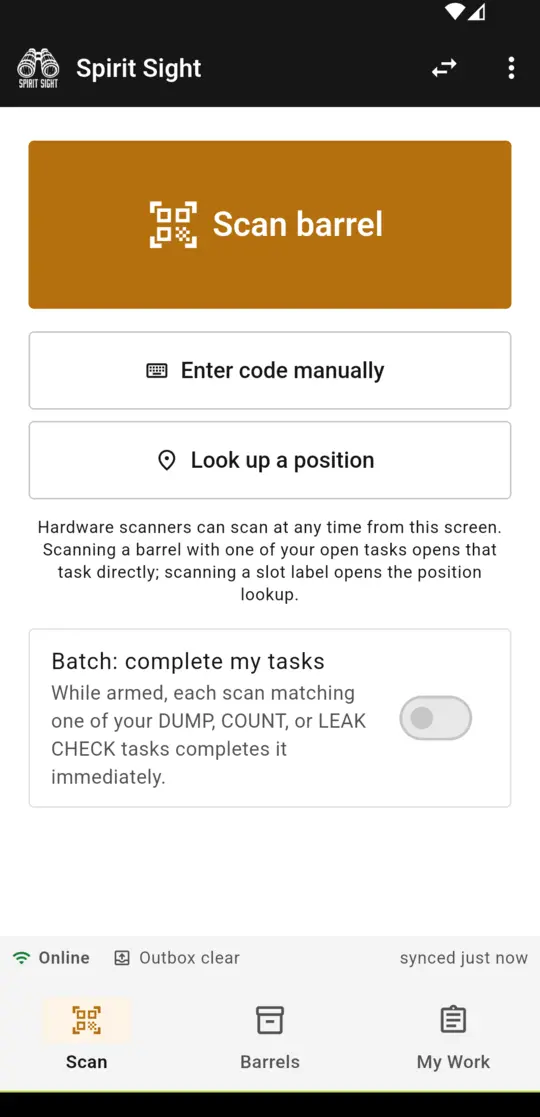
On a phone the app is the field tool for daily barrel work: scan or search any barrel, record moves, regauges, samples, leak reports, fills, and dumps with the same validation the server enforces, work an assigned task list with route ordering, and report safety observations. The barrel inventory is cached on the device, so lookups keep working in a steel building with no signal.
Distiller mode
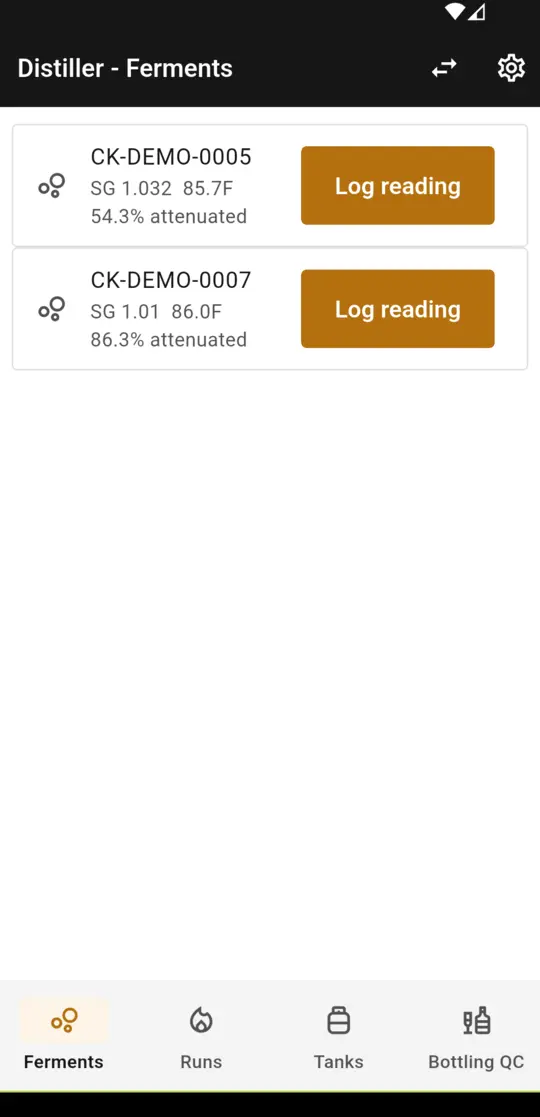
Production capture at the point of production: log gravity, brix, pH, and temperature against active fermentations with live attenuation, stamp still activity as it happens (charge, fire, collection start and end), record fractions with volume and proof, complete runs, watch the tank farm board, and capture bottling line fill and proof checks by weight.
Master Blender workspace
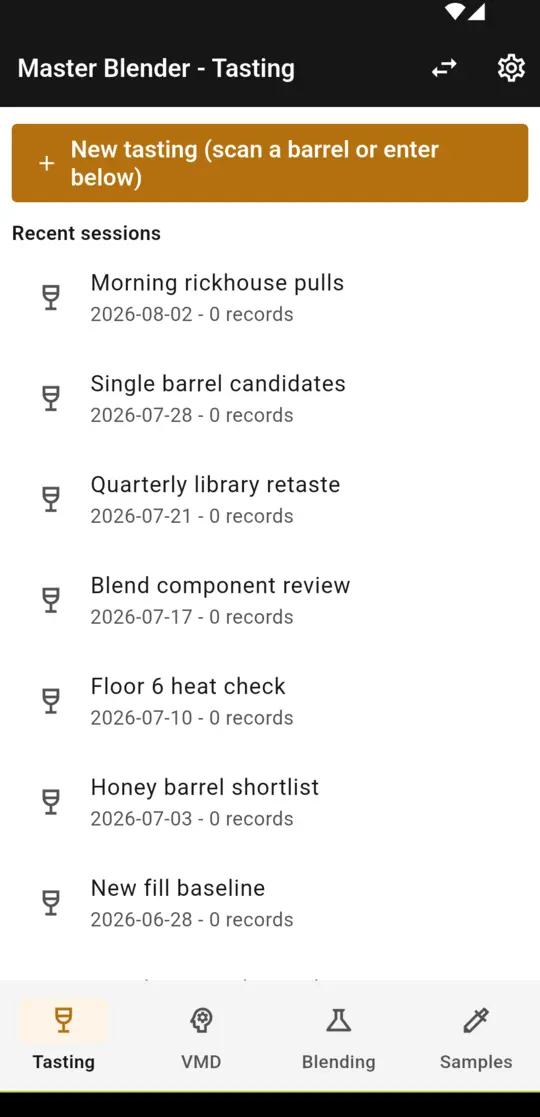
A tablet-first workspace for the sensory program: run tasting sessions with a structured eight-axis flavor form, review the Virtual Master Distiller's ready and honey barrel boards, browse blend recipes and batches, and generate a picking list that lands directly on the warehouse crew's scan guns. Scan any barrel to open it in the tasting flow.
Manager mode
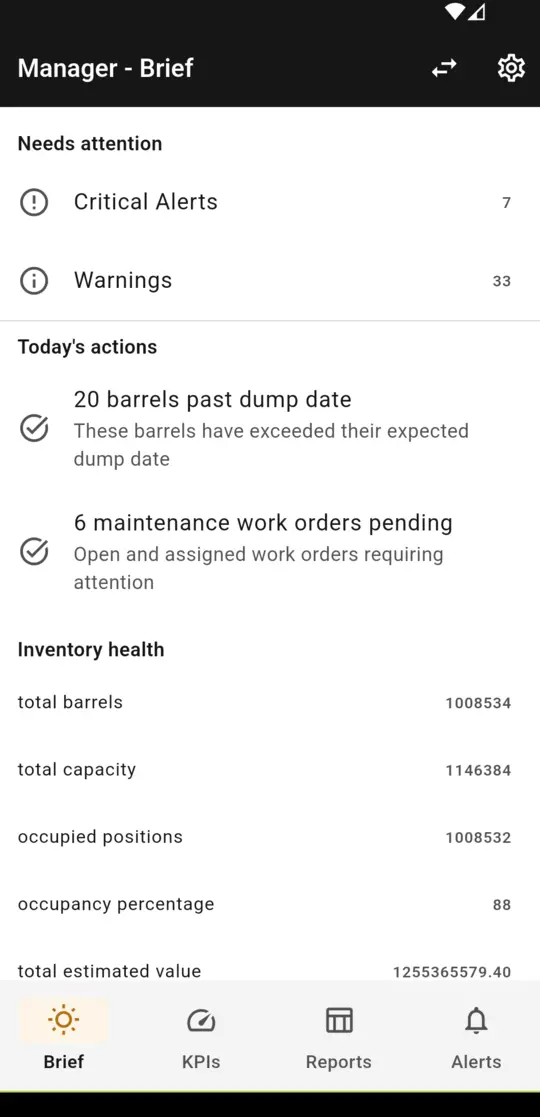
A read-only command view: the morning brief with what needs attention and today's actions, live executive KPIs across inventory, production, quality, and financials, the operational reports (inventory summary, aging, losses, tax liability), and the alert feed. Every figure is fetched live from the same reconciliation-checked data the web platform reports.
Tasting Room POS
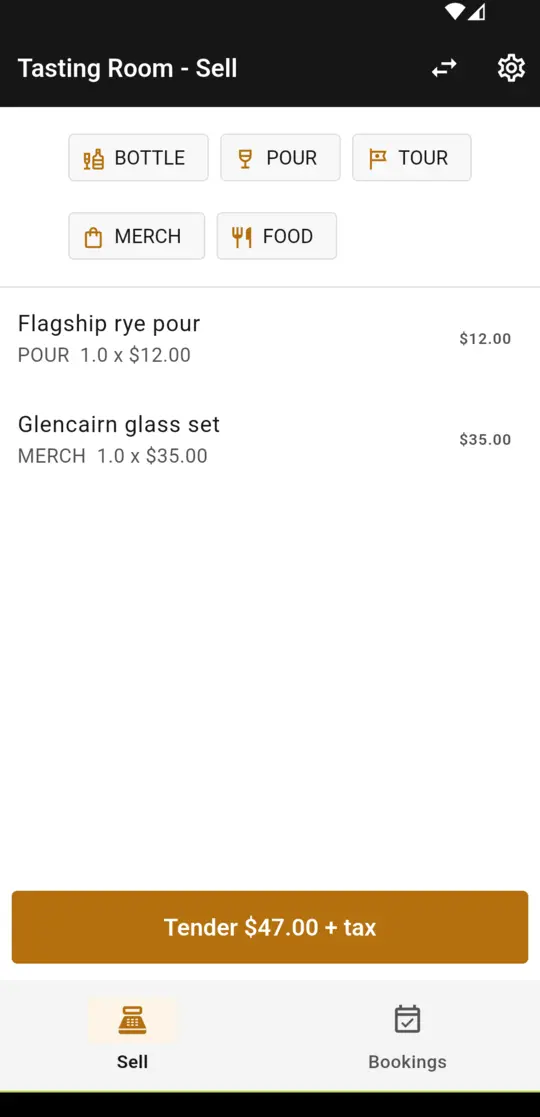
Ring bottles, pours, tours, merchandise, and food on a phone or tablet. The server computes tax and cost of goods and posts every ticket to the general ledger with bottle removals from bond, so tasting room revenue lands in the books the moment it happens. Work the day's bookings alongside: check parties in and convert a reservation to a sale in one tap. Today card tenders are recorded against the card terminal you already use, so there is no separate till to reconcile; direct card processor integration is on the roadmap to close that last gap.
Kiosk check-in
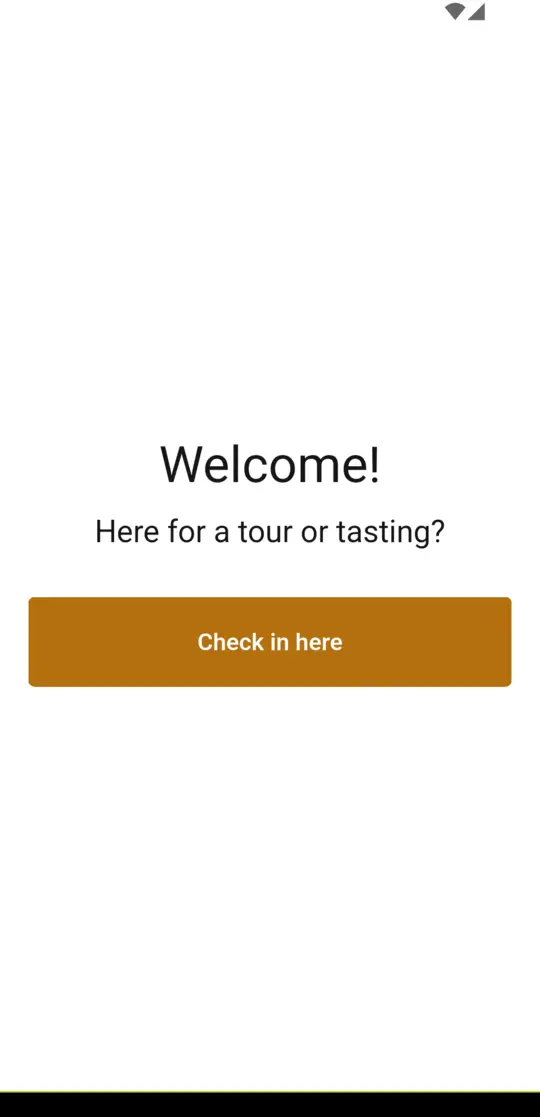
Arm a counter tablet with a staff PIN and it locks into a guest-facing flow: visitors find their reservation by name, see nothing but a first name and party size, and check themselves in. Staff exit with the PIN. Check-ins land on the same bookings your tasting room staff work from, so the host stand and the register always agree.
Offline is the design assumption, not an edge case
Most rickhouses are steel buildings full of oak and spirit with no Wi-Fi and no cell signal past the third rick. Spirit Sight's sync engine assumes exactly that: the data your crew needs rides on the device, the work they finish waits safely on the device, and the network is only ever a courier between the two.
The whole inventory in your pocket
The barrel inventory is downloaded to the device on first sign-in and kept current with delta sync, so a scan or a search answers instantly with no network at all. Scope it to the whole campus or just the rickhouses a crew works, and the cache stays small and fast even at hundreds of thousands of barrels.
An outbox, not an error message
Moves, regauges, samples, leak reports, fills, dumps, and completed tasks queue in a persistent outbox when the network drops. Each entry carries an idempotency key, so a flaky connection can never double-record a barrel operation, and operations on the same barrel replay in order. The queue drains itself the moment connectivity returns; nobody taps retry.
A full shift without signal
Assigned work syncs to the device before the crew walks in, batch mode completes dump, count, and leak-check tasks scan after scan while fully offline, and the status strip always shows what is queued and when the device last synced. A dead zone changes nothing about how the work gets done.
Online where money and compliance live
Point of sale and production records are online by design: a ticket or a compliance record either posts immediately or tells you it did not. Nothing that touches the ledger or a federal record ever sits silently in a queue, which is exactly what an auditor wants to hear.
Every mode follows the same roles as the platform
One role definition on the server drives the web navigation and the mobile app alike. A warehouse operator's gun never shows financials; tasting room staff never see production; an admin can switch into any mode from the app bar. Mode switching is always two taps, and the picker only offers what the signed-in role permits.
Distillery mobile app questions
What devices does the Spirit Sight mobile app run on?
Does the mobile app work offline in an unnetworked rickhouse?
Is the mobile app an extra cost?
Can guests check themselves in for tours and tastings?
Does the tasting room POS process credit cards?
How is access controlled?
See the whole platform, pocket to rickhouse
The mobile app ships with Spirit Sight and follows the areas and roles you license. No per-device fees, no per-seat meter.
Schedule a demo See pricing